 Sealio Docs
Branding
Put your logo and colour on the pages and emails your clients see.
Your logo and colour (In place)
Owners and Admins open Settings → Branding:
- Brand colour: used for accents on the client portal and for the button in emails to clients. Sealio checks that white text is readable on it (at least 4.5:1, the WCAG AA standard) and won't save a colour that's too light. Use Sealio's colours switches back.
- Logo: PNG, JPEG or WebP, up to 512 KB. It appears at the top of the client portal. Emails show your firm's name instead, because images in email make it more likely to land in spam.
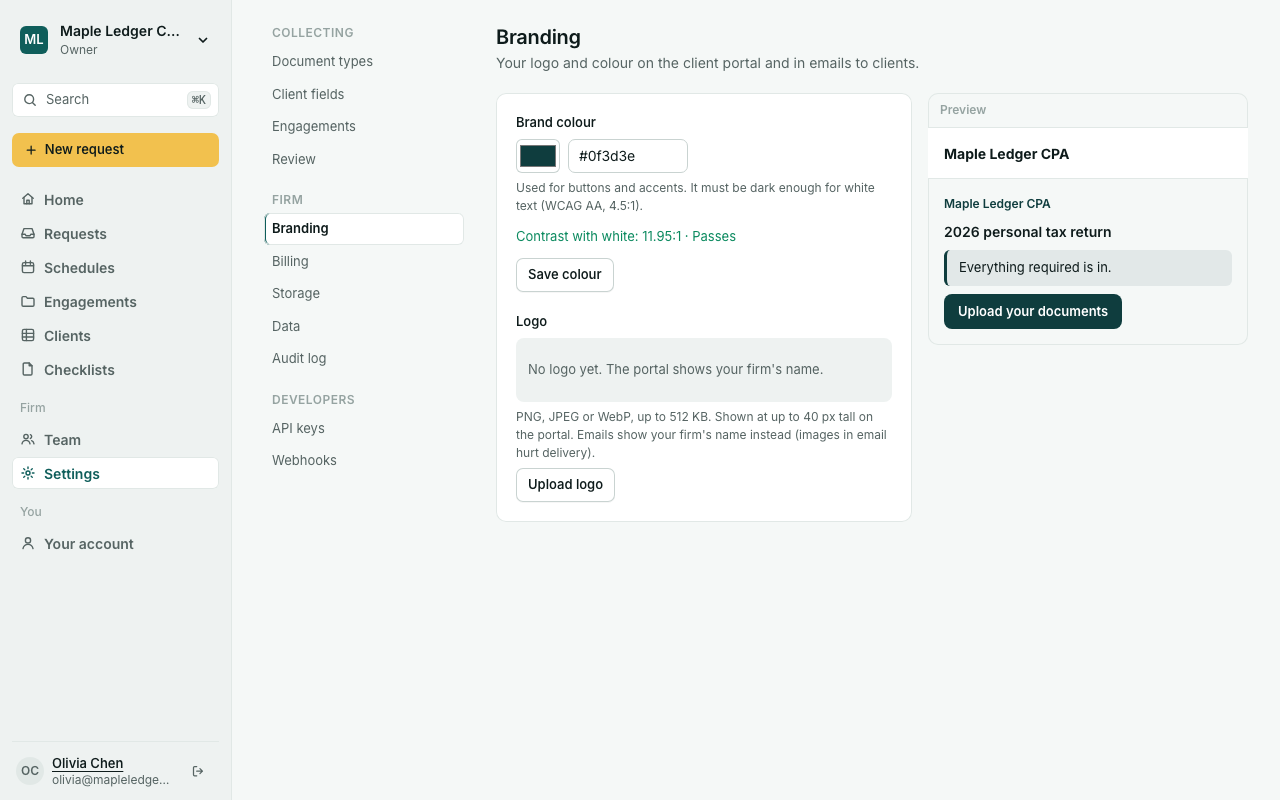
The preview beside the form shows how the portal will look.
Planned: removing "Secured by Sealio", editable email wording, and your own domain for the portal.